
Wedding website
Wedding website: your whole wedding day on one page
Every event, every venue, the timeline, the photos and the RSVP, on one link your guests open on the phone in their hand. No separate site to build, no second address to remember.
It is the same page as your invitation. Guests do not go somewhere else for the details - they scroll.
What sits on the page
Everything a guest asks you, answered before they ask
For the questions that still need a person, add contact numbers guests can tap.
Every event, in order
Ceremony, reception, homecoming, the after-party. Each one carries its own time, venue and description, and guests see only the events they are invited to.
Venue maps and directions
Each event can carry its own place. One tap opens turn-by-turn directions, so nobody is texting you an address from the car. Add the details a map pin misses with this wedding directions checklist.
Add to calendar
Guests save your events to Google, Apple or Outlook in one tap - with the right start time, in the right time zone.
A live countdown
A running countdown to the day, on the invitation itself. It rolls forward to the next event once the first has passed.
Your timeline and schedule
Lay out the running order of the day so guests know when to arrive, when to eat and when the dancing starts.
Photo gallery and your story
Engagement photos and how the two of you met, so guests who only know one of you arrive knowing both.
RSVP built in, not bolted on
Guests reply on the same page. Answers land in your dashboard attached to the guest who gave them, per event.
One link, always current
Change the venue or the time and every guest sees the update. The link they were sent never goes stale.
From blank page to shared link
- Pick a designChoose a design and open it with your own names and dates. You are looking at the real thing, not a mockup.
- Add your dayFill in your events, venues, timeline and photos. Add the story and the countdown if you want them.
- Preview it freeLook at the finished page on your own phone before you decide anything. No card needed to get this far.
- Share the linkPublish, and send each guest their own link - by WhatsApp from your dashboard, or however you prefer.
Compared with the usual route
A printed card plus a separate wedding site, or one link
Most couples end up running two things: a printed card for the invitation and a wedding website for the details. Here is what changes when they are the same page.
| Card + separate website | Link Invitation | |
|---|---|---|
| What the guest gets | A card, then a web address to type in later - if they still have the card | One link, opened from the message you sent them |
| Changing a detail | The card is already printed. You update the site and hope people check it | Edit once. Every guest's link shows the new version |
| RSVP | A reply card in the post, or a form on the site that does not know who filled it in | Replies attached to the guest and the event, in one dashboard |
| Knowing who has seen it | No way to tell | Per-guest open tracking on every link |
| Cost as the list grows | Printing and postage rise with every guest added | One payment, unlimited guests on both plans |
A printed card is still the better keepsake, and plenty of couples want one. If that is you, keep the card and put a QR code on it - it opens the same page.
Designs
Designs that carry the whole day
Open any design as a live preview with your own details, then decide.
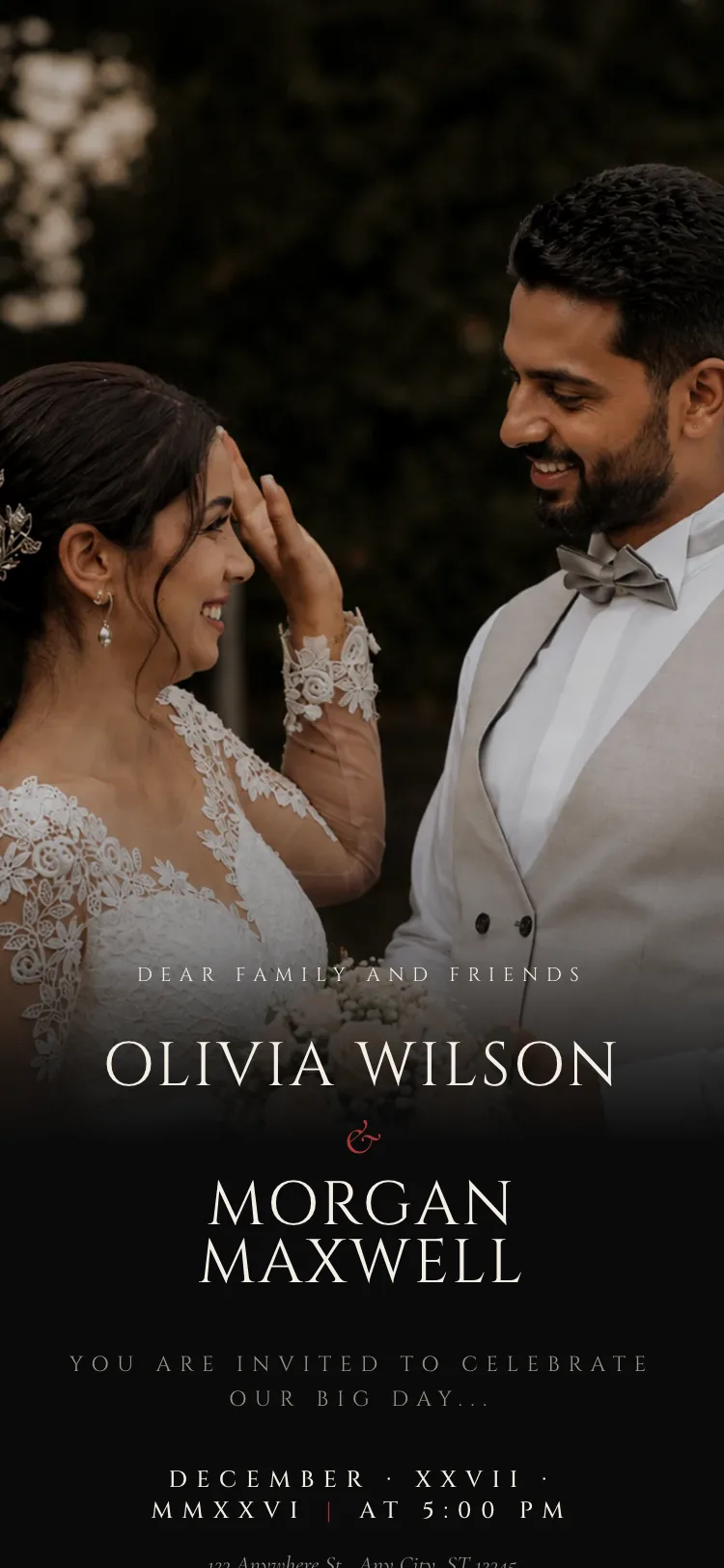
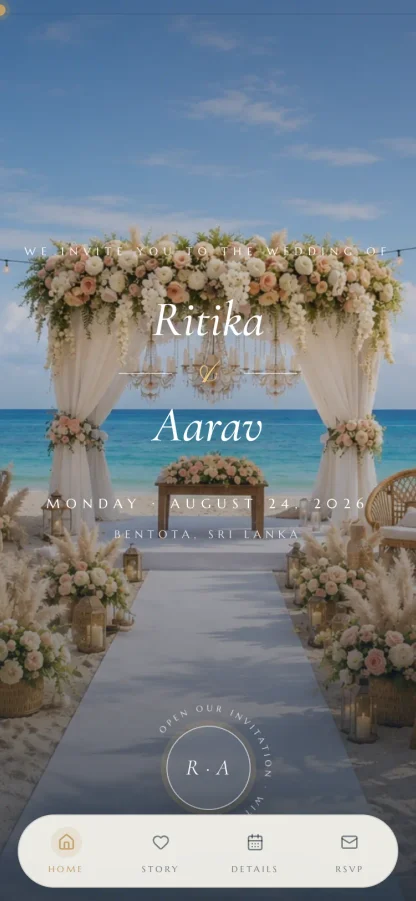
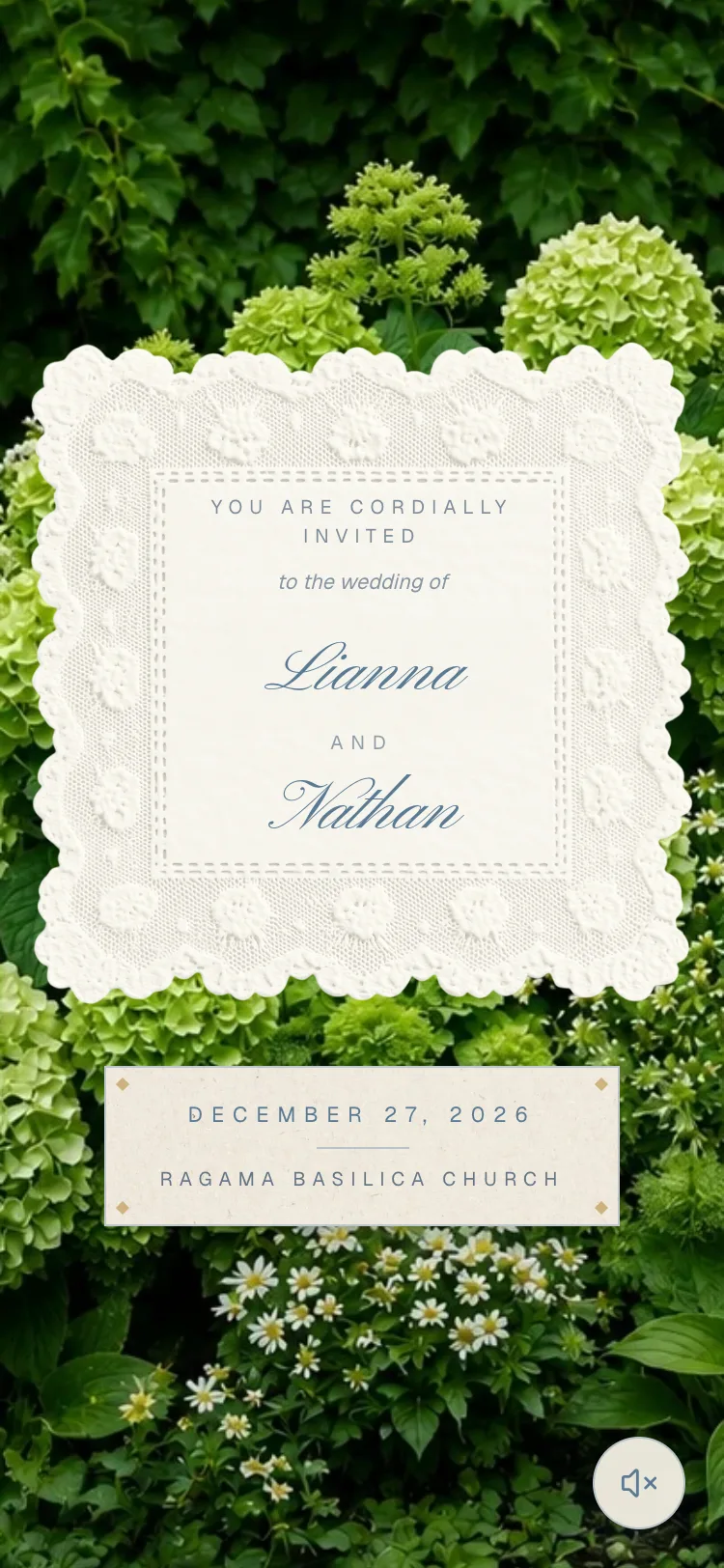
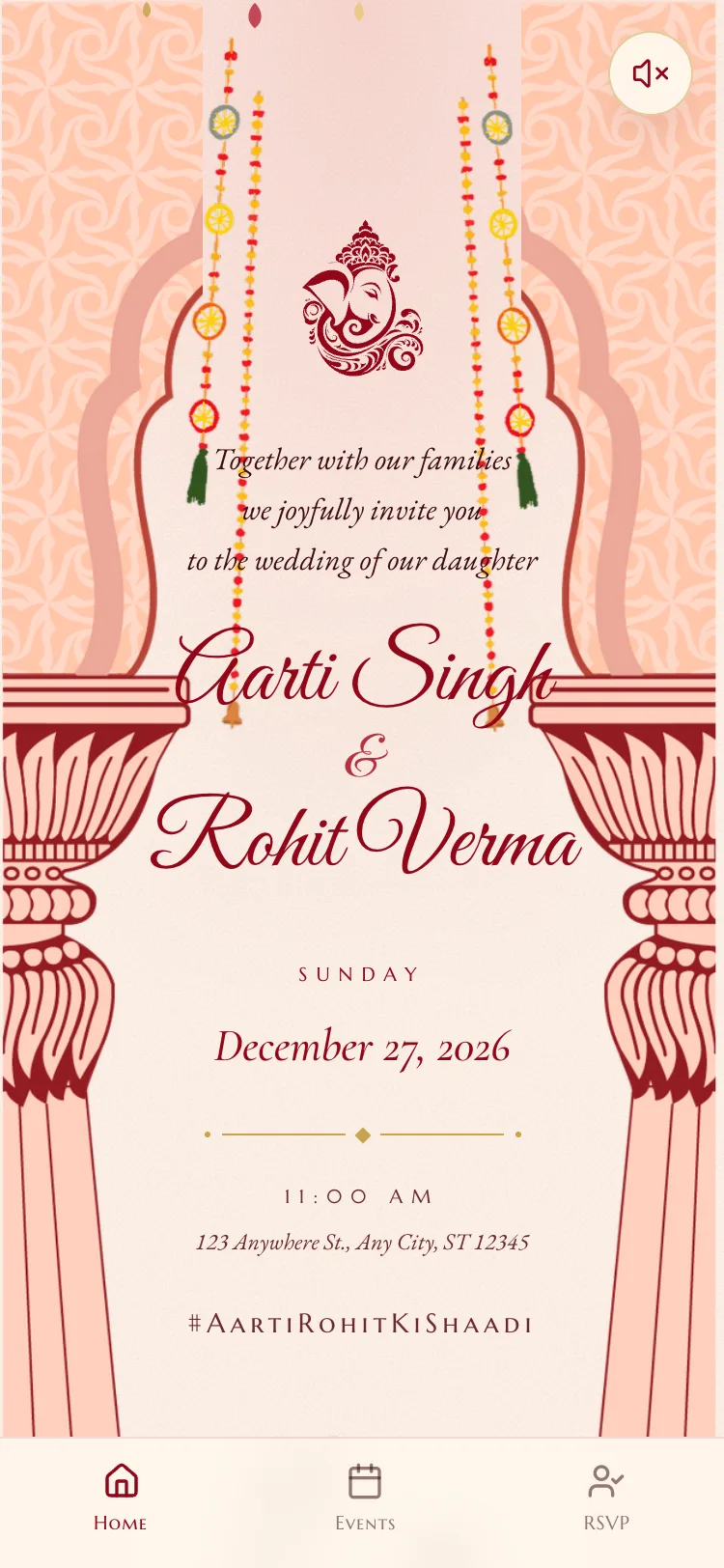
The wedding website and the digital wedding invitation are the same page - the details live below the invitation itself. Replies arrive in the live RSVP dashboard.
Put the whole wedding on one link
Build it, preview it on your own phone, and pay only when you are ready to share it.

Free to build and preview on Essential. Refunds available before design work begins.