You can change your design at any point, and you do not retype anything. Names, your story, the event list, photos, venue details and your RSVP wording all move across with you. The one thing that does not come with you is the colour palette: every design ships its own, and switching hands your invitation the new one. That is the whole trade.
What carries across when you change design
If you have gone off your design and are keeping it anyway, the reason is probably not the design. You are not weighing one design against another. You are weighing it against an evening of typing you are not willing to do twice. That comparison is the wrong one, because your words are stored separately from the design that displays them.
Change the design in the editor and all of this comes with you:
- The names, the date, the time and the time zone
- Your story text, and any wording you wrote over the design’s own
- Every event you added, each with its own time and place
- Venue name, address and map link
- Photos you uploaded, including the gallery
- Your RSVP wording, your deadline, and which reply channels you turned on
- Which sections you switched off, and the order you put them in
Your guest list and any replies that have already arrived are not part of the design at all. They belong to the invitation, not to the template, so a design change does not touch a single guest or a single answer.
The colours are the exception
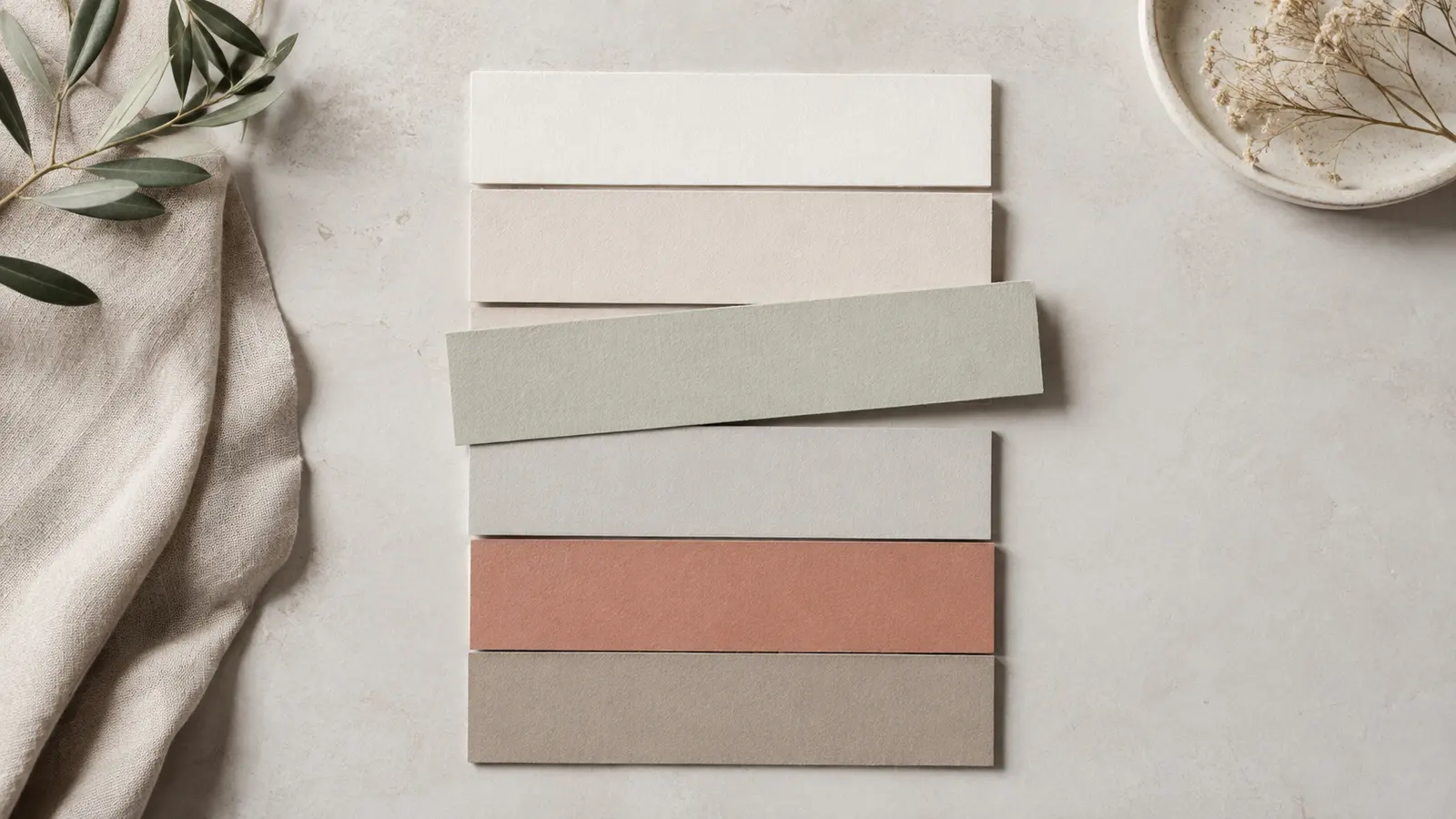
This is the part to know before you start clicking. Colours do not carry across. Each design ships a fixed palette that its photography, typography and dividers are built around, and when you switch, your invitation takes the new palette. Anything you had set in the style panel resets to the new design’s defaults, and that includes the font as well as the colours.
Music behaves the same way. Every design has its own default track, so switching resets the music to whatever the new one ships with, or to off if it ships with none. If you had picked a track deliberately, pick it again afterwards.
None of this touches your words. It is the visual layer being replaced, which is what you asked for by switching. It only becomes a problem when you have forgotten what you customised and cannot remember what to put back.
Switch early, and then stop switching
The best moment to change your mind is before anything has gone out. Nothing is at stake then. Build the invitation with your real names, your real dates and your real wording, preview it on a phone rather than a laptop, and try the two or three designs you are torn between while the only person looking is you. What each plan includes is on the pricing page.
After you have sent, switching still works, and nobody needs a new link: what you handed out points at your invitation, not at whichever design happens to be sitting on top of it. The cost is not technical. A guest who opened a cream and gold invitation on Monday and finds a deep green one on Friday assumes they have been given the wrong link, or that something about the wedding has changed. Some will message to ask. The rest will check with whoever forwarded it, which is how a change of palette becomes a rumour about a change of venue.
Take the following as a suggestion and nothing firmer: give yourself a date to decide by, somewhere around a week before you plan to send, and treat the design as settled once that date has passed. Design regret has no natural end point, and a wedding invitation does not need to be the best one you could have made. It needs to be sent in time for people to book leave.
Sections that exist on one design and not another
Designs are not identical in what they offer. One opens with an envelope, another has a portrait, another has a monogram on a wax seal. If you filled in a slot that only exists on one design, that wording is kept rather than deleted. It simply sits unused while a different design is active, and it reappears if you switch back.
This is why a switch you regret is reversible in the way that matters. Go back to the design you started with and your specific wording is waiting where you left it. What does not come back on its own is the palette, the font or the track you had chosen before the first switch, because those were replaced rather than parked. The screenshot covers you there.
When changing the design will not fix it
Sometimes the design is not the problem, and swapping it is a way of avoiding the real edit.
- If what bothers you is the wording, change the wording. A new design will show you the same sentence in a different typeface.
- If replies are already landing, the cost of switching is confusion among people who have done what you asked. Weigh that honestly against how much you dislike the current one.
- If your invitation was built for you as a custom design by our team, it is not something you swap in the builder. That change is a conversation with us rather than a dropdown.
- If you have simply been staring at it for three weeks, that is not the same as it being wrong. Show it to somebody who has not seen it and ask them what they think it says.
And if a design you actually want does not exist here, the honest answer is that a switch will not conjure it. Look at what is on offer first, decide whether one of them is genuinely right, and go elsewhere if none of them is. That is a better outcome than talking yourself into the nearest match and living with it until the wedding.
Frequently asked questions
Will I lose my wording if I change the design?
No. Names, story text, events, venue, photos and RSVP wording all carry across to the new design. The colours, the font and the music track are the exception: those reset to whatever the new design ships with.
Does the link my guests have change when I switch design?
No. A guest's personal link points at your invitation, and the design is only what is drawn on top of it, so every link you have already shared keeps working. There is nothing to resend. The invitation simply looks different the next time it is opened.
Can I switch back if the new design is worse?
Yes. Your wording returns, including any text you wrote into a slot that only that design has. The palette and font reset again to that design's defaults, so a screenshot taken before your first switch is worth more than you expect.
Related: Browse the designs