
The venue does not have your login. Print three things from the seating plan and hand them over: an A3 seating chart, an A4 guest list, and foldable place cards on A4. None of the three will export until the plan has at least one table on it, so the tables come first and the paper second. Here is who needs which, when to print, and how to stop anyone holding last week’s version.
Who is actually holding paper on the day
You will not be. You will be getting dressed, then photographed, then greeting people. The plan has to leave your hands before the morning starts, in a form that works without you.
- The coordinator, or the aunt doing the coordinator’s job, needs the guest list. It is the look-up document: who is on which table, with a mobile number beside each name for the family that has not arrived.
- The venue captain needs the chart. They set the room before anyone arrives, and they want the shape of it: how many tables, where they sit, how many chairs on each.
- The caterer needs numbers, not names. The summary at the top of the guest list totals your heads, how many are seated and how many are not.
- Whoever is on the door needs their own copy of the list. They and the coordinator will be at opposite ends of the building.
- Whoever is announcing needs names spelled correctly, in the order people are sitting.
The three documents, and what is on each
The seating chart prints on A3, landscape: the floor plan as you arranged it, table by table, with people in their seats. A toggle sets how names appear on the seats, initials or full names. Use initials while you work, and switch to full names before printing anything a room will read.
The guest list prints on A4, grouped by table. Each row carries the seat number, the name, the mobile, the group, the side and the RSVP. Above it sits a summary with your totals and how full the tables are. One thing to know: guests you have not seated yet appear there as a count, never as names. If that number is not zero, go back into the designer rather than hunting for them on paper.
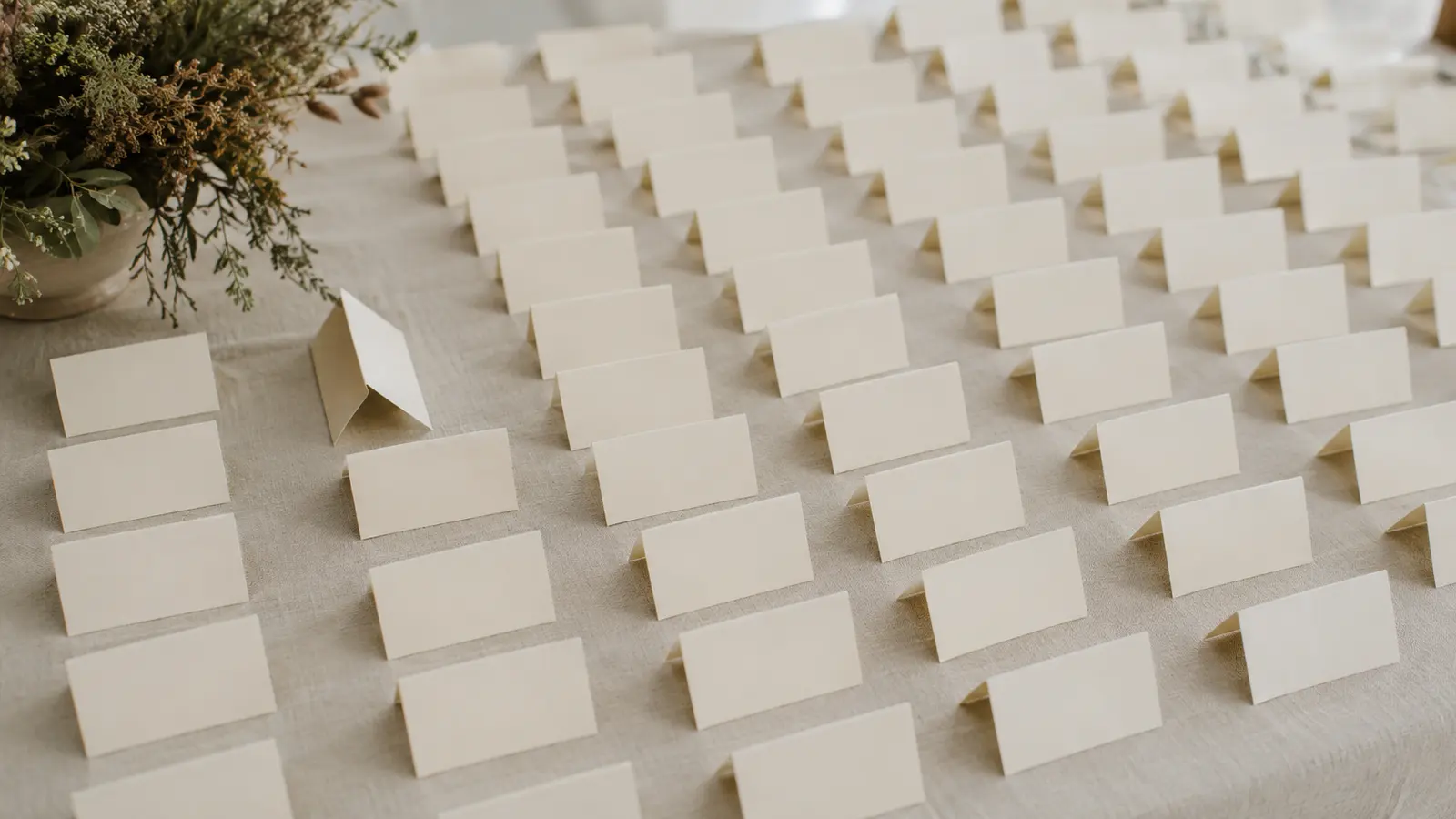
The place cards print on A4 as foldable name tags, one per seated guest, with a dashed line to fold along. They carry the name and the table. One card per guest rather than per head, so a family of four seated under one name gets one card. Print them on card rather than paper, or they will not stand up.
All three leave the same way. The one-click PDF is rendered on our side; when that render service is not answering, the identical document opens as a print view in a new window that your browser saves as a PDF. That second route does not depend on us being up, so the paper is never blocked - it just takes one more click.
Print after the last realistic change, not the last possible one
Something always changes after you print: a cousin brings four people, a great-uncle decides on the Thursday that he is coming after all. Wait for the plan to stop moving and you will be at a print shop on the morning of the wedding.
Print after the change that matters, which is the caterer’s final number. That call is the moment your guest count becomes a commitment rather than an estimate. Two or three days after that call is a comfortable gap - a figure we suggest, not one anybody has measured. The plan is real by then, and you still have a working day in hand if the print shop is shut or the card stock turns out to be the wrong weight.
If you are running more than one ceremony, print each separately. The export follows whichever ceremony you have open, so a homecoming chart and a reception chart are two exports. Keep them in separate envelopes with the ceremony written on the outside, because at eight in the morning nobody reads a header.
Mark the version, or somebody works from the wrong sheet
This is the failure that actually happens. Not a missing chart - two charts, and no way to tell which is current. The guest list helps: it prints the date it was generated in the header, so a sheet from a fortnight ago is obvious. The chart and the cards do not carry that, so write the date on the back of the chart in pen as it leaves the printer.
Then be ruthless with the old copies. Do not file them, do not leave one on the kitchen table. Recycle them. A superseded chart sitting in the same box as the current one is how a table of eight ends up in the wrong corner.
One quieter detail if you collect replies through a public link and approve them yourself: only approved guests print. Anyone still in your moderation queue is absent from all three documents, so clearing it is part of printing.
How many copies
More than you think, fewer than a ream. Nobody has counted this properly, so treat the numbers below as where we would start for an ordinary sit-down reception and adjust for your own building.
- Two or three of the A3 chart: the venue captain, whoever runs the floor, and a spare that stays with you.
- Three or four of the guest list. Coordinator, door, and one for the person who gets sent to find somebody.
- Place cards for every seated guest, plus a blank sheet of the same card, because a name will be wrong.
- Nothing extra for a board at the entrance. The chart export is fixed at A3, so a large-format board is a separate job with separate artwork, usually at a different printer.
When you should not print any of this
If you are not assigning seats, do not print a chart. Free seating at long tables is a legitimate choice, and a chart for a plan that does not exist creates an expectation you then manage at the door. Print the guest list on its own so somebody has the names and numbers. If your venue writes place cards in calligraphy as part of what you are paying them, do not print ours as well.
And if your wedding is forty people in a room where everyone can see everyone, none of this is necessary; one sheet in one person’s hand is the whole system. At a larger wedding the reason to print is not that screens fail. It is that phones end up in bags, bags end up in a locked room, and function halls are often in basements with no signal. Paper keeps working when the room does not.
Frequently asked questions
My guests can see their table on their phone. Do I still need to print?
Yes, for the staff. Guests looking themselves up and the venue setting the room are two different problems. The people running the day need a document they can hold, mark and pass to somebody else, in a room that may have no signal.
Someone moved table after I printed. Do I print again?
Almost never. Cross the name out on each copy of the guest list, write the new table beside it, and reprint that one place card. Reprinting everything on the morning creates more confusion than it removes, because the old copies rarely all get collected.
What if the PDF download does not work on the day?
Use the print view. The same chart, list and cards open in a new browser window that you can print or save as a PDF yourself, so the paper is never blocked on the download route. Allow pop-ups for the site if nothing appears.
Related: Wedding seating chart maker